Challenge Mode
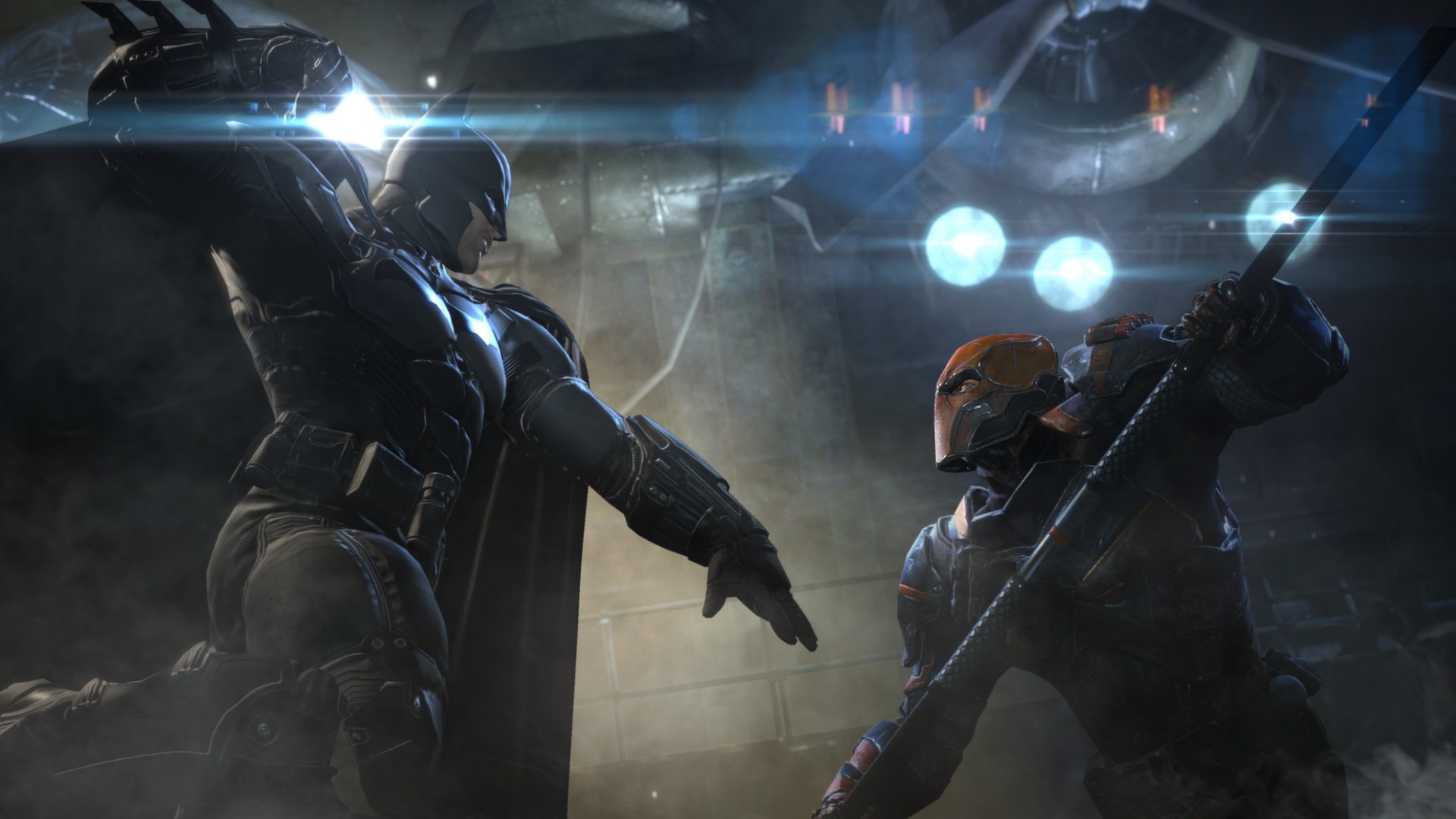
Take on challenges designed by Batman to test his abilities. Additional challenges are unlocked by progressing through the story.
Included in this article
- How do I access Challenge Mode?
- Ranked Challenges
- Custom Challenges
- Campaigns
- Combat Training
- Character Select
- How do I access my Downloaded Challenge Maps?
- Related Articles
How do I access Challenge Mode?
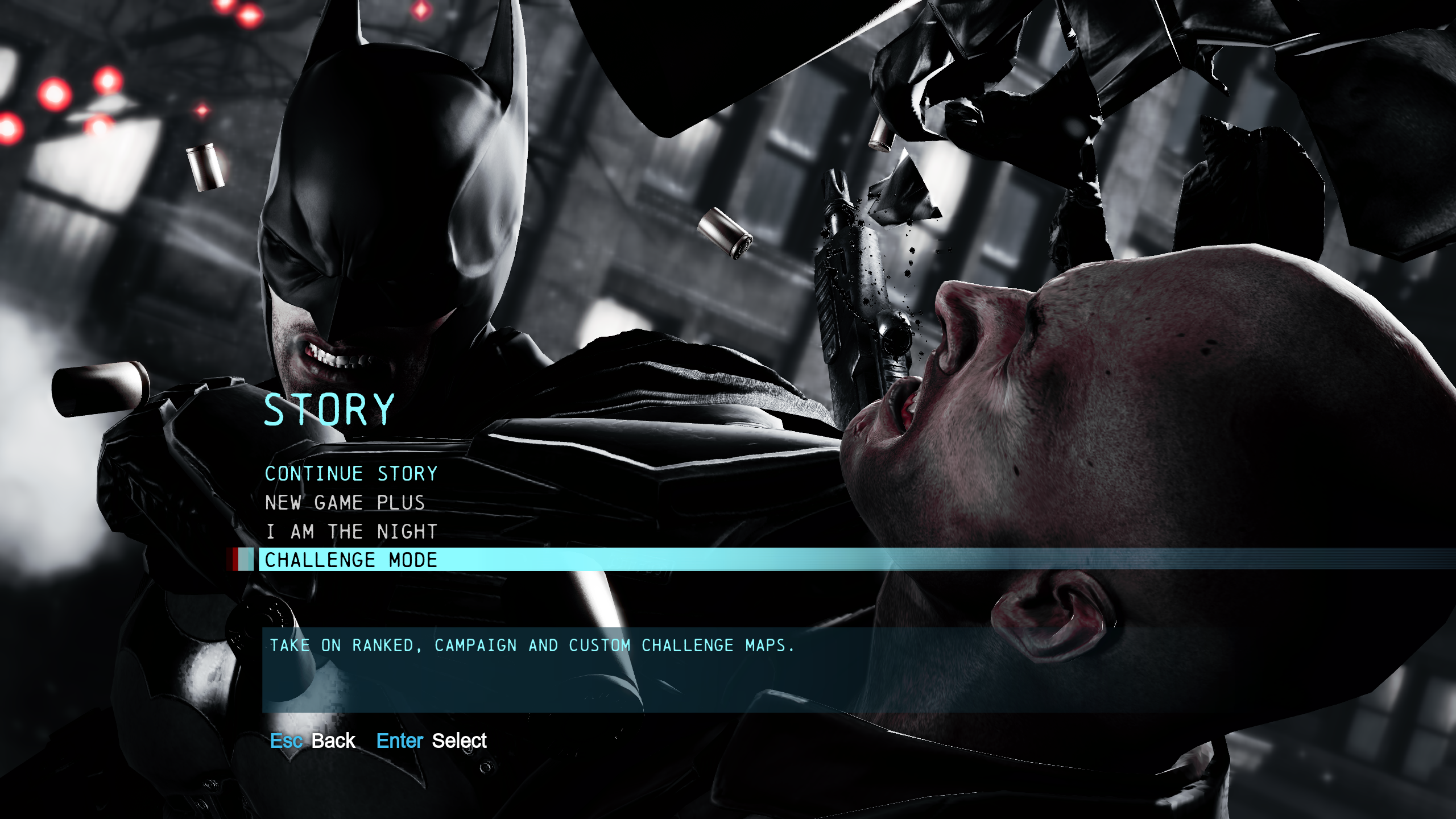
To access Challenge Mode, go to Story Mode in the main menu and select the Challenge Mode option at the bottom of the list.
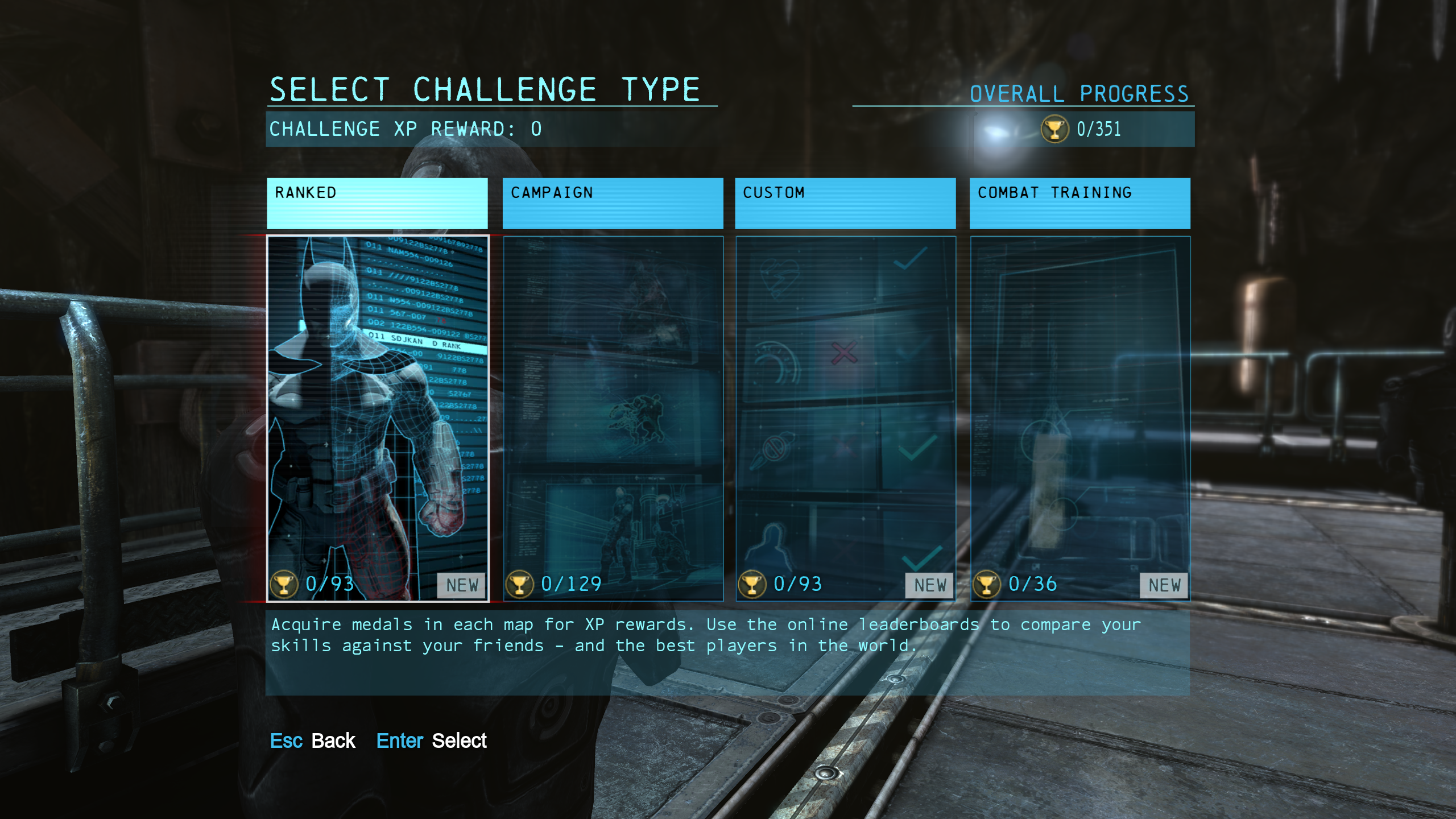
Ranked Challenges
Take on the Batman’s challenges with no set modifiers.
Custom Challenges
Select a map, and then add multiple modifiers to create a unique challenge.
Campaigns
Fight your way through a gauntlet of challenges, while tactically choosing which modifiers to use on each map. The only requirement is that you must have used every modifier by the end of the campaign.
Combat Training
Engage in training sessions focused on teaching advanced techniques.
Character Select
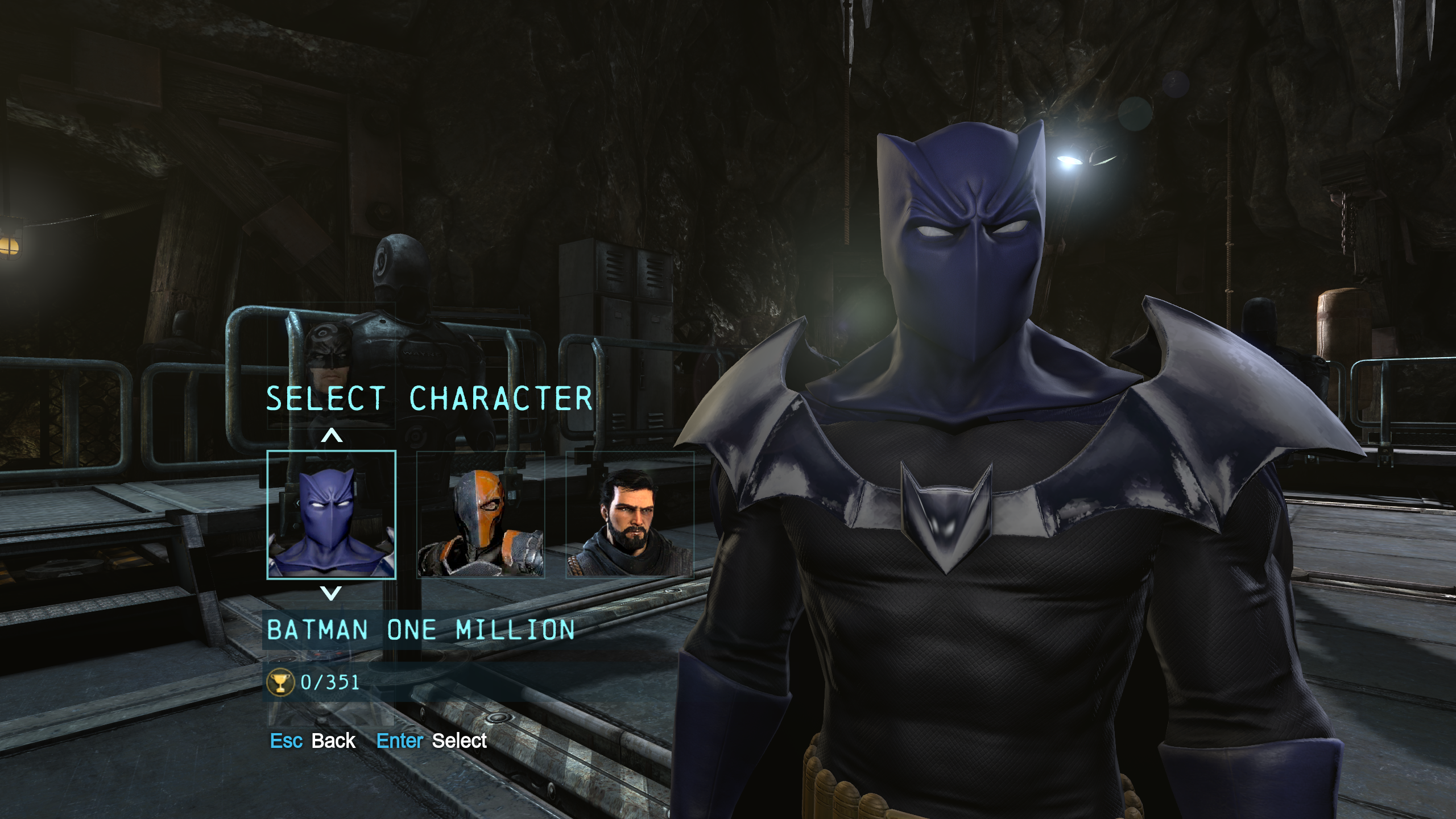
In this screen, you can choose between the available characters that you can play as in Challenge Mode. Pressing down on the d-pad or keyboard will cycle through the available skins that you've unlocked or downloaded.
How do I access my Downloaded Challenge Maps?
Downloaded Challenge Maps can be located on the last page of Campaign Challenge Type maps. This is also where the Initiation DLC Challenge Stages can be accessed which will be listed under "Rite of Passage”.